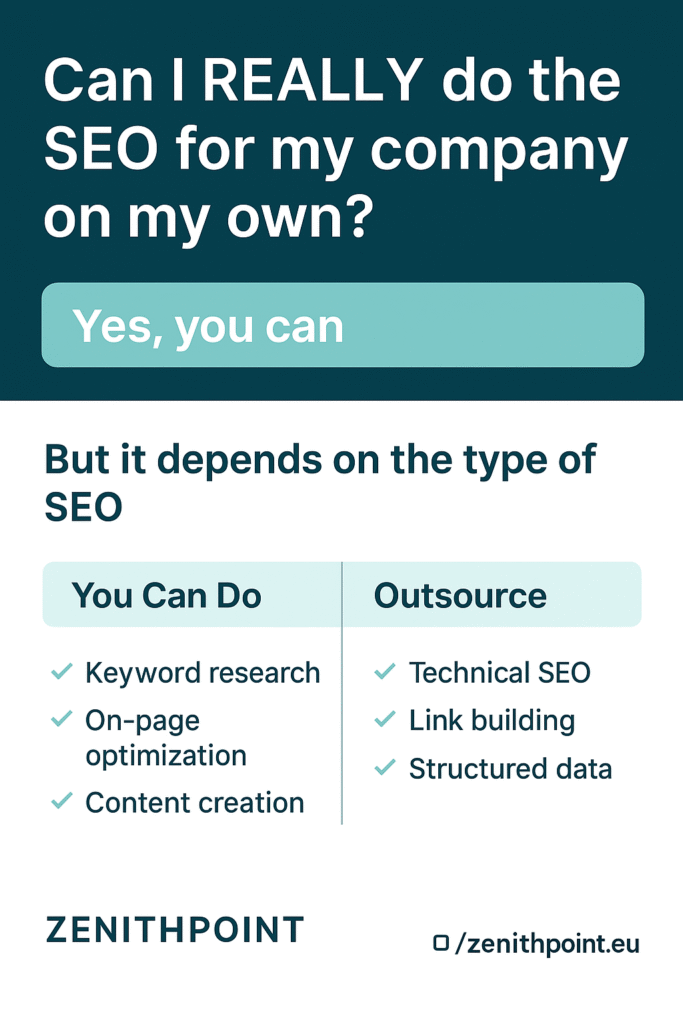
Can I REALLY Do the SEO for My Company on My Own?
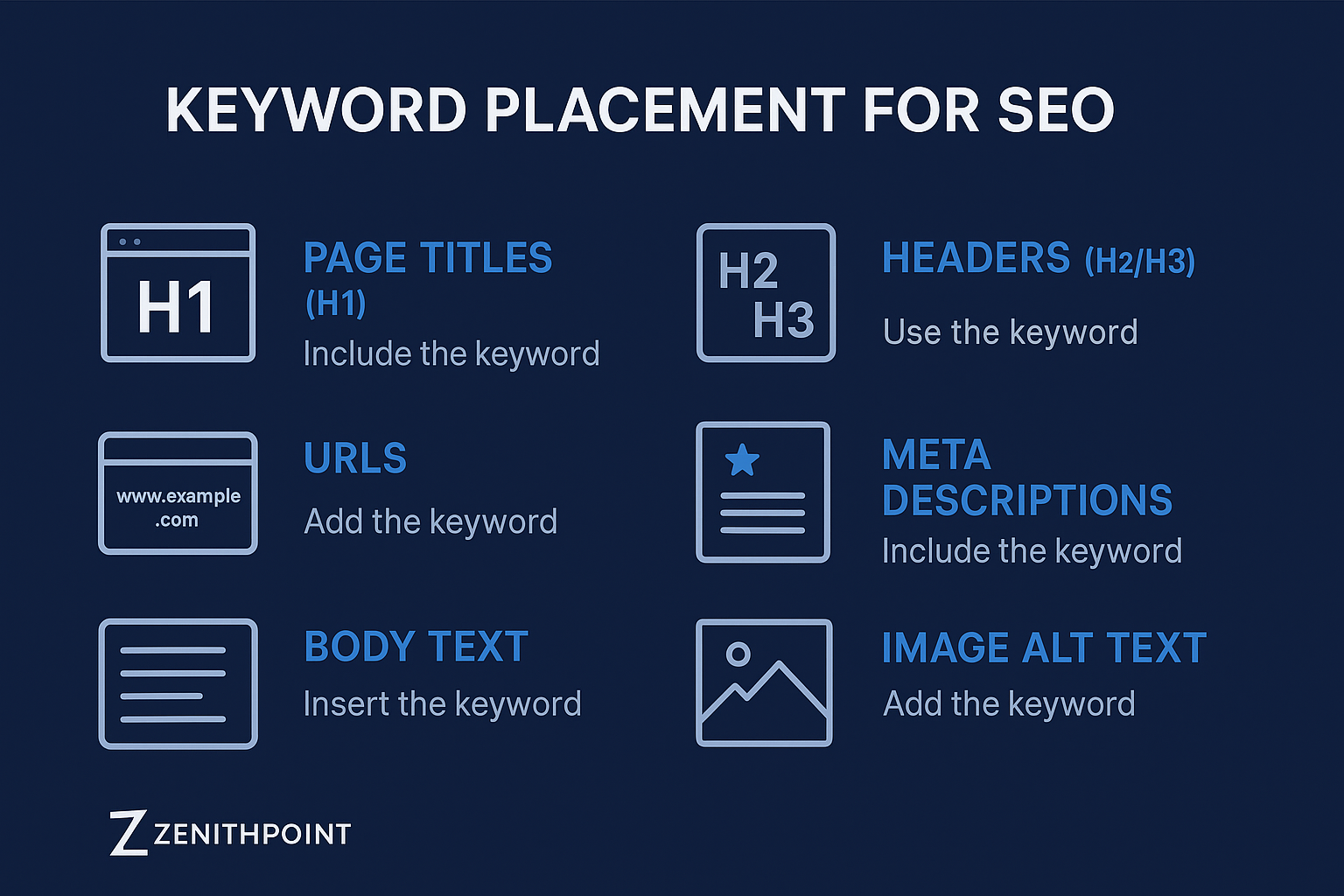
TL;DR Yes, you can absolutely do SEO for your own business — but it depends on your time, budget, and willingness to learn. With the right approach, you can handle keyword research, on-page optimization, and content creation yourself. However, more technical areas like link-building, site performance, and structured data might require expert help. If you want to save time or avoid trial and error, Zenith Point can guide you through every stage of the process. Can You Really Do SEO Yourself? Yes, you can. SEO isn’t locked behind degrees or certifications. It’s an open field that anyone can learn, especially business owners who are ready to invest time into understanding how search engines work. As outlined by Etched Marketing and Fat Stacks Blog, SEO can be approached successfully by individuals without an agency — provided they follow the right steps and stay consistent. However, it’s not a one-size-fits-all situation. Your success depends on your business type, goals, and available time. If you’re running a fast-growing business, outsourcing to professionals like Zenith Point might make more sense. The Core Elements of DIY SEO 1. SEO Strategy Every business already has an SEO strategy — even if it’s accidental. It’s better to make yours intentional. Decide whether you want a content-focused or link-focused strategy: No matter your path, your goal is to rank for terms your audience actually searches for. That’s where keyword research comes in. 2. Keyword Research Keyword research determines whether your content gets seen. Bloggers and content creators often do this themselves, while small business owners sometimes outsource it. Tips for effective keyword research: If you’re curious about how much professional SEO might cost, check out Zenith Point’s SEO pricing guide. 3. Content Production Google ranks pages, not websites — and every page needs strong content. If you’re doing SEO yourself, focus on creating: When you can’t keep up with writing, you can hire freelance writers or agencies to produce optimized content while you oversee the strategy. 4. On-Page SEO Basics This is where a bit of technical knowledge helps. The essentials include: If you need help setting up or troubleshooting, Zenith Point’s web design services include technical SEO support. 5. Link Building Link building can be approached in three main ways: While proactive outreach can deliver faster results, it requires patience and communication skills. Passive strategies, though slower, are safer and more sustainable long-term. For inspiration on effective linkable content, check Zenith Point’s case studies. 6. Structured Data and Schema Markup Structured data is a small but powerful part of on-page SEO. It helps search engines better understand your pages and can lead to rich snippets (like star ratings or FAQs) in search results. What Is Structured Data? Structured data is a code snippet you add to your site to describe your content. It tells Google, “This page is a product,” or “This article is a how-to.” Most webmasters use schema.org vocabulary, supported by all major search engines. Common Types of Structured Data Adding schema doesn’t guarantee a ranking boost, but it improves clarity and click-through rates. How to Add Structured Data For deeper guidance, read the section on Structured Data in Zenith Point’s SEO resources. When to Hire SEO Help If you find yourself overwhelmed by the technical setup, analytics, or content scaling, it’s perfectly fine to bring in experts. SEO is time-intensive, and doing it alone can slow your growth if you’re juggling multiple business tasks. Partnering with an experienced team like Zenith Point lets you focus on running your business while we handle technical audits, content optimization, and strategy execution. FAQ: Can I REALLY Do the SEO for My Company on My Own? Do I need an SEO degree or certification? No. SEO is unregulated and open to anyone. With reliable sources and consistent practice, you can learn everything you need. What’s the hardest part of doing SEO myself? Usually link-building and technical setup. Keyword research and writing are easier to grasp but still require patience. How long does it take to see results? It depends on competition and consistency. Most small businesses start seeing organic improvements within 3–6 months. Can I do SEO if I’m not technical? Yes. Tools and plugins make it easier than ever to handle SEO basics. For more complex technical issues, hiring help can save you hours. Is it cheaper to do SEO myself? Short-term, yes. Long-term, mistakes can cost you time and rankings. A balanced approach — DIY with professional guidance — often works best. How Zenith Point Can Help At Zenith Point, we help businesses grow with smart, scalable SEO strategies. Whether you’re optimizing your own content, improving site speed, or setting up schema markup, our team offers tailored solutions to fit your goals. From custom web design to social media marketing and SEO optimization, we build digital systems that attract and retain customers — not just clicks. Ready to make SEO work for you? Let’s talk.
Can I REALLY Do the SEO for My Company on My Own? Read More »